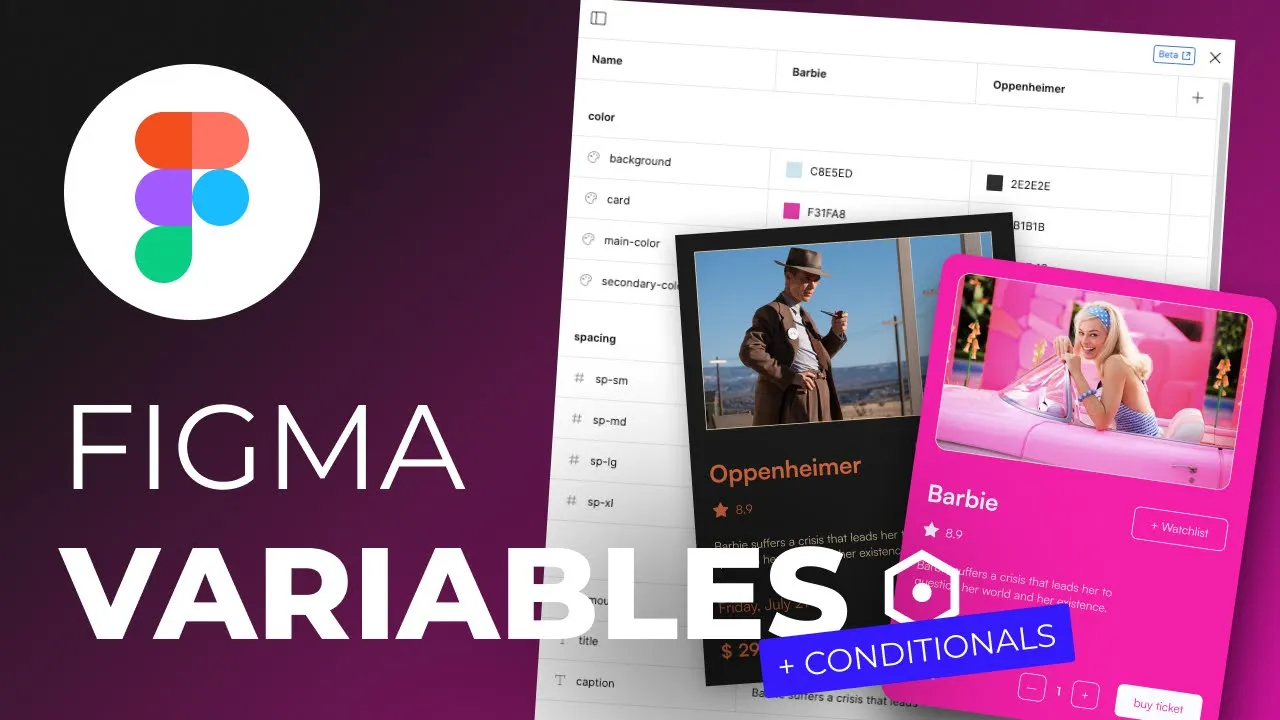
In recent update, Figma introduced "Variables"! In this video I'll show you how to build simples cards using Auto Layout and Variables in Figma. Also, I'll show how to use variables and conditionals in prototype.
Learn the power of Figma Variables in this comprehensive tutorial! In this video, we'll dive into the world of Figma's Auto Layout and Variables, exploring how to utilize them to streamline your design workflow. Discover how Variables can store reusable values like colors, numbers, and text, making it easier to maintain consistency and efficiency in your designs. We'll also explore the magic of Auto Layout, which enables responsive and adaptive design elements. Whether you're a beginner or looking to level up your Figma skills, this tutorial will equip you with the knowledge to create flexible and dynamic designs.
Watch now: