In this video I'll show you how to create responsive design in Figma using Auto Layout and Local Variables. Local Variables are super useful when you're using several modes (Pro License). I'll show you how to create breakpoints, how to set up and apply variables, how to use Wrap layout in Auto Layout and much more!
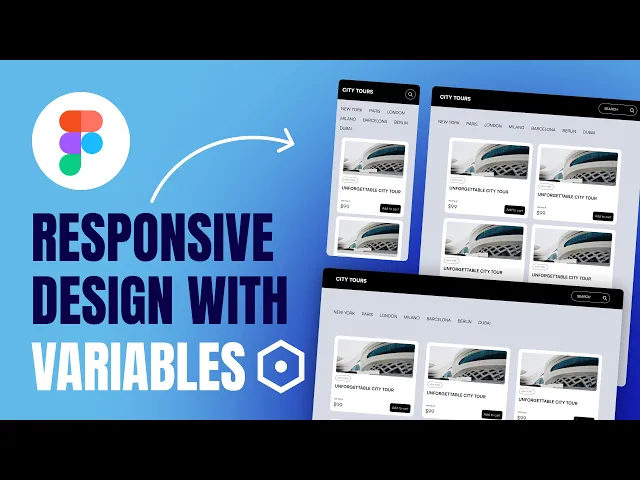
Responsive design in Figma using Auto Layout and Local Variables
Become the Designer Who Can Ship High-End Sites Fast — and Keep 100% of the Revenue 😎
Stop waiting on developers. Start shipping complete websites — and keep all the revenue that comes with it.

Become the Designer Who Can Ship High-End Sites Fast — and Keep 100% of the Revenue 😎
Stop waiting on developers. Start shipping complete websites — and keep all the revenue that comes with it.

Become the Designer Who Can Ship High-End Sites Fast — and Keep 100% of the Revenue 😎
Stop waiting on developers. Start shipping complete websites — and keep all the revenue that comes with it.

More from my blog

Tutorials
May 14, 2026
This Claude Prompt Audits Your Website for SEO and AI Search — and Gives You the Actual Code to Fix It

Tutorials
May 2, 2026
There's an AI Design Agent Living Inside Figma Now — And Most Designers Have No Idea

Tutorials
Apr 16, 2026
How I Built a $5,000 Agency Website in Under an Hour Using AI (Full Workflow)

Tutorials
Apr 10, 2026
How to Use Figma Weave to Add AI-Generated Videos to Your Website Designs

Tutorials
Mar 27, 2026
How to Generate Real UI Designs in Figma Using Claude Code and Your Design System

Tutorials
Feb 28, 2026
How Claude Code + Figma MCP Is Changing the Design-to-Code Workflow Forever

Tutorials
May 14, 2026
This Claude Prompt Audits Your Website for SEO and AI Search — and Gives You the Actual Code to Fix It

Tutorials
May 2, 2026
There's an AI Design Agent Living Inside Figma Now — And Most Designers Have No Idea

Tutorials
Apr 16, 2026