Introduction
Claude Opus 5.5 can create wild animations, motion graphics, and 3D worlds. The crazy part: it’s not generating a video. It’s writing the code that creates it.
That’s the whole unlock for Claude Opus motion workflows.
I tested two approaches in Claude Code:
Remotion — polished, presentation-style motion graphics that render to MP4
Three.js — 3D worlds you can actually explore and interact with
Then I combined them. And I pushed the same idea into a real product teaser for Monlio (https://monlio.app) and a Figma deck that becomes an animated MP4.
If you want the full walkthrough with every screen, watch the video: Claude Opus 5.5 motion with Remotion + Three.js.
The key idea: code becomes the animation
Claude doesn’t spit out an MP4 from a “make a cool video” prompt.
It writes code. That code becomes the motion.
Two different mental models:
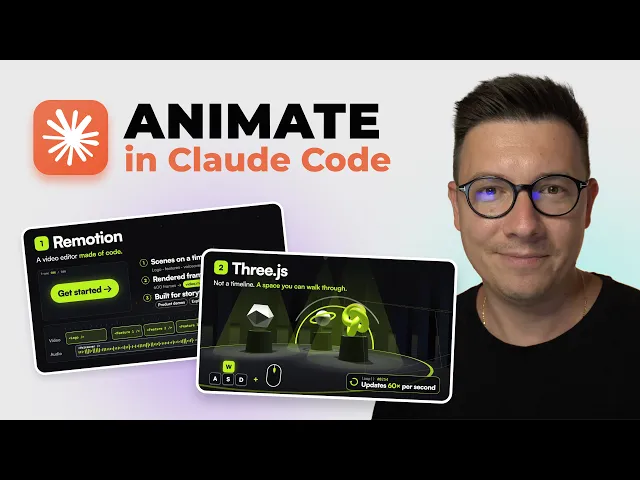
Remotion = a video editor made of code
You describe scenes on a timeline. A logo fades in. Features slide across. Voiceover plays. A CTA lands. Claude writes each scene. Remotion renders frame by frame into an MP4.
Use Remotion for: storytelling, product demos, tutorial-style videos, animated Figma presentations.

Three.js = a 3D world in the browser
Claude sets up a camera, lights, and objects, then writes a loop that updates everything many times per second. Instead of a timeline, you get a space you can move through — keyboard, mouse, interaction.
Use Three.js for: interactive 3D, first-person experiences, product “worlds,” anything that needs to feel alive in the browser.
Simple rule I keep coming back to:
Remotion tells a story (presentation / timeline)
Three.js builds a world (space / interaction)

The best projects often combine both.
Project 1: Raw Soul — a Three.js boutique you can walk through
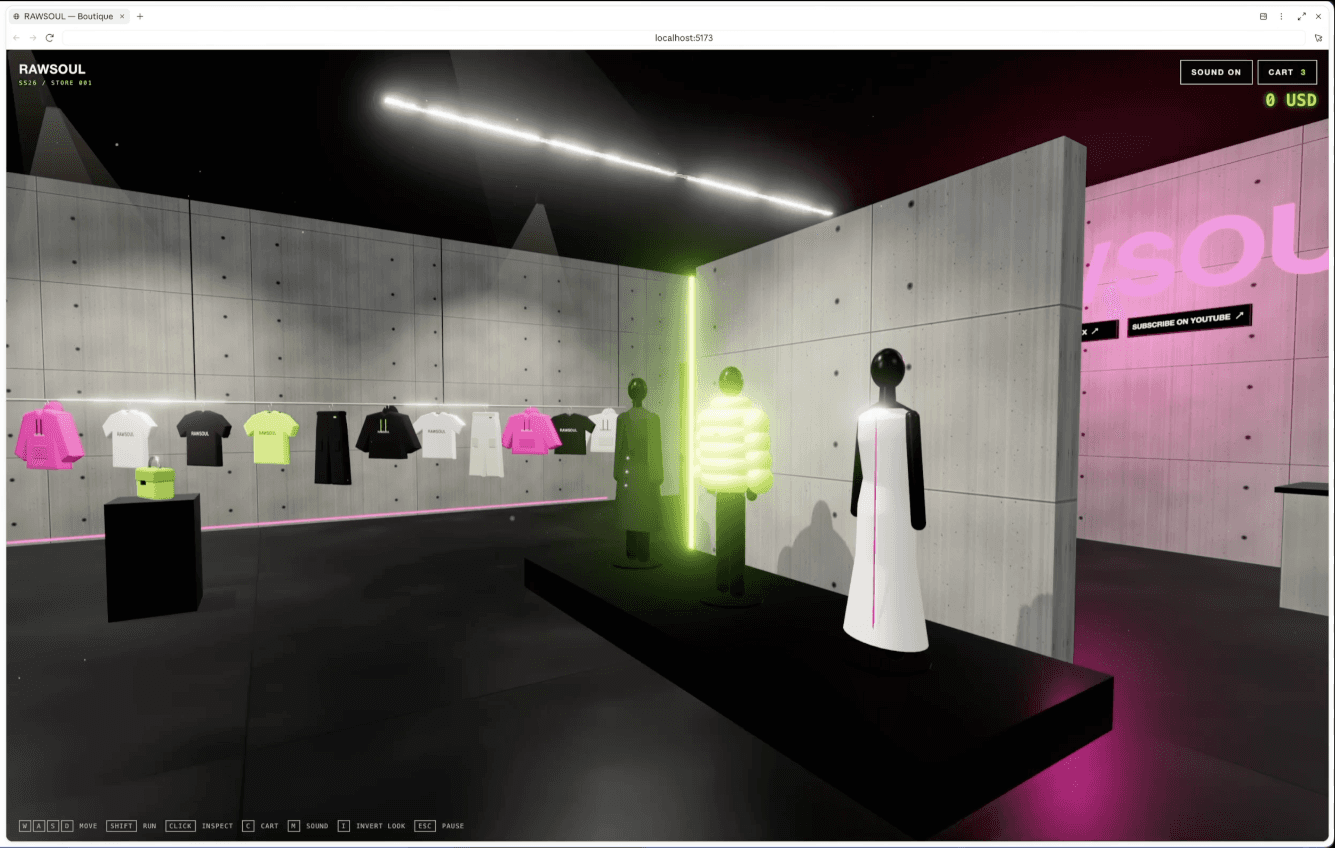
I wanted a first-person-style site where you walk around inside a fashion boutique.
I started by drafting the prompt *with* Claude — what the experience is, the stack (Three.js, vanilla JS, HTML/CSS), what the user can do. Claude asked clarifying questions. I answered:
Brutal luxury minimal design
Toxic pink and green accents
No gold, no red
Balenciaga-style reference
Boutique name: Raw Soul
Clothing as 3D objects
Ambient music with a toggle
First pass had bugs (getting stuck on the intro screen). I told it to proceed on click-outside, then added try-on and a mirror so you can see the outfit on you.
Live preview: 3d-boutique.vercel.app.
What you can do in the room:
Walk with keyboard + look with mouse
Pick bags, shoes, jackets, pants, hats
Choose size / color, add to cart, try on
Check the outfit in the mirror
Open cart with C, remove pieces, “buy” (and hunt the Easter egg when you’re broke)
It’s the clearest demo I’ve seen for “AI wrote code that became an interactive 3D world” — not a rendered clip you can only watch.
Project 2: Monlio Remotion spot in about five minutes
Next: Remotion for storytelling.
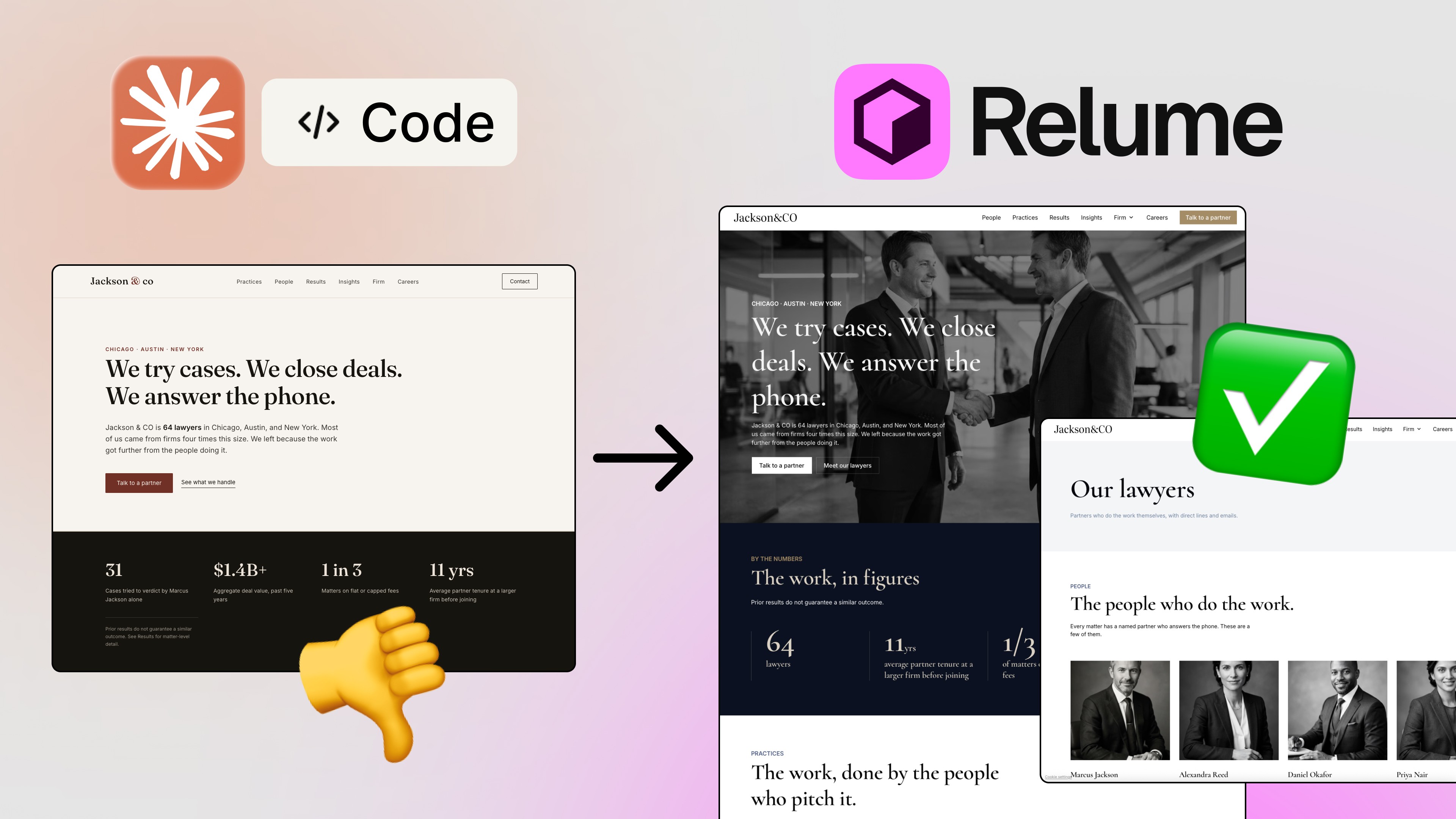
I gave Claude a simple prompt — a ~30-second Apple-style presentation for my app Monlio, plus the real product URL so it could pull copy and structure from the site. I also pointed it at real screenshots and weekend photography (real photos, not AI images), plus short clips of someone using the app, and asked for music.
What came back looked clean: simple animations, strong pacing, the kind of thing managers love in a product demo.
Honest timing from the build: about five minutes to pull this off in Claude Code + Remotion. Doing the same in Final Cut — or animating it by hand in Figma motion — would have taken hours.
That’s Remotion’s job: timeline storytelling that ends as an MP4.
More on why Monlio exists here: Why I built Monlio.
Project 3: Combine Remotion + Three.js in one piece
For the tutorial video itself, I asked Opus for both technologies in one project.
First prompt gave me:
A short 4K hook (~20 seconds)
Then an interactive Three.js section you can play with in the browser
Plus Remotion sections that render out as MP4
I iterated like a lazy director: add like/subscribe end screens, add an intro slide, skip sound on that particular cut. Launch in the browser. Export. Done.
So you get the best of both:
Three.js = the explorable world
Remotion = the polished story beats around it
Project 4: Figma → Remotion deck
Last workflow — and maybe the most useful for client / corporate work.
I had a presentation already designed in Figma. In Claude Code I pasted the Figma link and asked for a dynamic ~1-minute deck:
Ask me anything you need
MP4 output
~4 seconds per slide (15 slides)
Separate folder inside the project
Generate audio too
It took on the order of ~10 minutes to generate. Preview on localhost (http://localhost). Remotion builds SVG animations from the Figma design — so it looks like *your* deck, not a generic AI template — then adds motion, sound, and video.
That’s the control loop designers actually want: design in Figma → ask Claude to animate this → Remotion renders.
If you’ve been exploring Claude Code on the design-system side already, this pairs well with the Claude Code design skill (https://sergeichyrkov.com/blog/claude-code-design-skill) workflow — same agent, different output surface (motion instead of UI).
When to use which
Goal — Reach for
Product story, demo, tutorial, social cut — Remotion → MP4
Interactive 3D, walkable space, try-on / play — Three.js in the browser
Hook + explorable middle + polished bookends — Combine both
Existing Figma slides that need motion + audio — Figma link → Remotion
Claude Opus 5.5 is strong here because the hard part isn’t “make pixels move.” It’s structuring scenes, fixing interaction bugs, iterating on taste, and keeping the design system coherent while the motion grows.
Your taste still decides what’s good. The agent just writes the code faster.
Try the workflow
Open Claude Code on a fresh project folder
Decide: timeline story (Remotion) or interactive world (Three.js) — or both
Draft the brief with Claude (let it ask questions)
Ship a V1, then iterate on the specific bugs and taste notes
For decks: paste a Figma URL and ask for MP4 + timing + audio
Want the full pass with every screen and decision? Watch the video on my channel.
I keep more AI design workflows on Learn (https://sergeichyrkov.com/learn) and tools on Resources. If you want these breakdowns in your inbox, subscribe to the newsletter.
Thanks for reading — and if you build something with Remotion or Three.js this week, I’d love to see it. 🚀
FAQs
Does Claude Opus 5.5 generate video files directly?
What’s the difference between Remotion and Three.js for AI motion?
Can Claude Code turn a Figma presentation into an animated video?
How long did the Monlio Remotion spot take?
Where can I see the Raw Soul 3D boutique?
See more from me in Google Search
Add sergeichyrkov.com as a preferred source to get my tutorials and articles highlighted in Top Stories and AI Overviews.