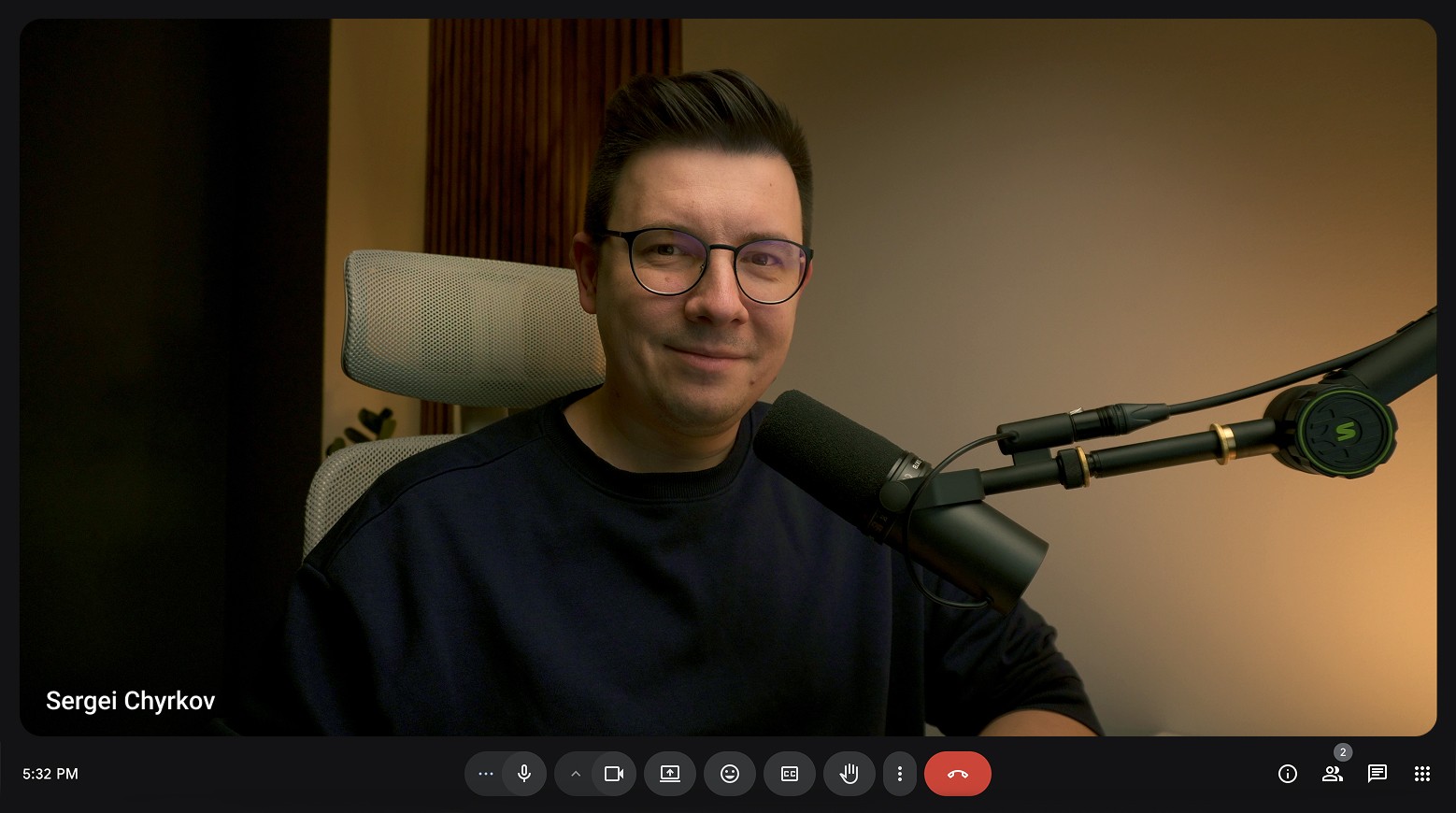
I recently posted a video called “No More Slop,” and the comments were… a lot. 😅 Some of you called it a gold mine. Others said the result still looked like AI slop. A few said the prompt took longer than just building the website by hand. And more than a few asked: why would you copy another designer’s website?
Answering all of those comments below the video made one thing painfully clear to me: there’s a massive misunderstanding about what an actual AI design workflow looks like — and what it’s supposed to do for you. So let’s clear it up. This isn’t a hype post about AI replacing designers. It’s the opposite. It’s about what’s actually happening right now, why most AI output looks generic, and how to build a workflow that gets you real results instead of AI slop.
The Uncomfortable Truth: Most AI Websites Do Look Generic
Let’s start here, because you deserve honesty: if you’ve looked at AI-generated websites and thought “this all looks the same,” you’re not wrong. 🤯 Most AI agents — whether you’re using Claude Design, Cursor, or the Figma agent, it doesn’t matter which — default to the same design system under the hood. A lot of them lean on Shadcn, which means the same spacing, the same card styles, the same icons, the same subtle animations, over and over.
But here’s the part people miss: that’s not a failure of AI. That’s a failure of the prompt. If you type “build me a SaaS landing page” with zero detail about aesthetic, typography, or layout style, you will get a generic result. That’s not AI being bad at design — that’s you not telling it what design means to you yet.
The fix isn’t abandoning AI. It’s treating it like what it actually is.
AI Is a Tool, Not a Replacement — and That Changes Everything
I want to be blunt about this part of my AI design workflow philosophy: AI doesn’t have taste. It doesn’t have a creative vision. It’s not going to make decisions for you, and it shouldn’t. It’s a tool — the same category as Photoshop, Figma, or Framer when they first showed up and reshaped how we work.
What AI is genuinely great at:
Exploring and testing ideas fast, without the setup cost of starting from a blank canvas
Removing repetitive work you do on every single project
Generating variations — client wants three hero section options? Instead of building each by hand over a few days, you design one and let AI generate variants in hours
Speeding up your entire workflow, compressing weeks of design and coding into a matter of days
What it’s not good at — and won’t be anytime soon — is making decisions instead of you, understanding taste, and being genuinely creative. Those three things are still 100% on you. And honestly? In 2026 and beyond, I think creativity, taste, and decision-making are exactly the skills worth doubling down on.
“The Prompt Takes Longer Than Building It By Hand” — Let’s Talk About That
This comment came up a lot, and I get why. But let’s be real about what building a client website looked like before AI. You didn’t just open Figma and start drawing boxes. You spent days — sometimes a full week — on briefing the client, gathering information about their business, building mood boards, planning structure, defining the aesthetic direction.
Writing a genuinely detailed prompt for an AI design workflow is doing the exact same job. It’s not extra work bolted onto the process — it’s the same preparation work, just typed instead of pinned to a mood board. The more context, aesthetic direction, and detail you give the agent, the better your starting point.
Think of your prompt like a brief you’d hand to a team of designers and developers. You wouldn’t say “build me something nice” and walk away. You’d explain the project, the audience, the vibe, the constraints. Same rules apply here. And over time, you start collecting your best-performing prompts — building a personal library of workflows and templates you can reuse and adapt project to project. Just remember: every project is different, so don’t copy-paste blindly. Adjust for the specifics.
What Actually Goes Into a Non-Generic Prompt
If you want to avoid the generic-AI-website problem, your prompt needs to get specific about:
Aesthetic direction — brutalist? minimal? maximalist? Say it explicitly.
Typography — Helvetica, Poppins, whatever fits the brand. Name it.
Spacing and shape language — rounded corners or sharp edges? What radius?
Design system references — are you building something structured, or intentionally breaking the grid?
Inspiration sources — reference points from Mobbin, Dribbble, or Pinterest that capture the mood you’re after
The more of this you front-load, the less “Shadcn default” your output will look.
Inspiration Isn’t Copying — Here’s the Actual Difference
A lot of the pushback I got was some version of: “isn’t this just copying someone else’s design?” No — and this distinction matters a lot in any legitimate AI design workflow. Copying pixels from another designer’s live project is plagiarism, full stop. That’s not what’s happening when you reference an image for aesthetic direction.
Think about design history for a second. People love pointing out that Steve Jobs “copied” Dieter Rams’ radio design for the iPod. He didn’t — he was inspired by it. Renaissance painters shared techniques and aesthetics across generations without anyone calling it theft. Design has always worked this way: patterns get reused, refined, and reinterpreted. Nobody’s reinventing the wheel from scratch every single time.
A good rule of thumb: pull inspiration from platforms like Mobbin, Dribbble, and Pinterest — even from completely unrelated industries. If you’re designing a banking site and an electricity company’s site has a layout style you love, borrowing that aesthetic for your own project isn’t copying. It’s applying a working pattern to a new context. That’s design, not plagiarism.
The Real AI Design Workflow (Not the One-Prompt Myth)
Here’s the part most people skip, and it’s the actual point of this whole article: there is no magic button. Nobody just runs one prompt and publishes a polished, production-ready website. If you’re doing that, you’re going to get generic AI slop — and honestly, that’s on the process, not the tool.
The actual workflow looks like this:
Prompt — write a detailed, specific brief (see above)
Review — actually look at what the agent gave you, critically
Critique — identify what’s off: spacing, tone, hierarchy, whatever isn’t working
Iterate — refine the prompt or make direct edits, then repeat
This loop might take 15 minutes. It might take a few hours. That’s fine — that’s the real work. AI got you a skeleton in a fraction of the time it used to take (in my experience, a good AI pass can save a few days of prep and initial design work). But turning that skeleton into a polished, human-feeling final product is still entirely your job.
Actionable Tips for a Better AI Design Workflow
Front-load your brief. Spend the time you’d normally spend on a mood board writing your prompt instead — aesthetic, typography, spacing, references, all of it.
Never ship the first draft. Treat the first output as a rough skeleton, not a final deliverable.
Build a prompt library. Save prompts that worked well and adapt them for future projects instead of starting from zero.
Reference broadly, not narrowly. Pull inspiration from adjacent industries to avoid your work looking like a copy of one specific site.
Budget real iteration time. Plan for at least a few rounds of review and refinement — not just one pass.
Double down on taste. Since AI can’t develop creative judgment for you, treat sharpening your own taste as a core 2026 skill, not an optional one.
Final Thoughts
AI isn’t replacing designers, and it’s not going to. What it is doing is raising the bar for what “good design” actually requires from the human in the loop. It lowered the cost of getting a starting point — but it raised the importance of taste, creativity, and decision-making, because those are the only things left that AI genuinely can’t do for you.
If you build your AI design workflow around real preparation, honest critique, and multiple rounds of iteration, you won’t end up with AI slop. You’ll end up with a project that started faster and still looks like it was actually designed — because it was, by you, using AI as the tool it’s meant to be.
If this resonated, go watch the original video where I walk through the full workflow, prompt-by-prompt, and don’t forget to subscribe to the newsletter so you don’t miss the next one. 🚀