Most people use AI the wrong way when building websites — and that’s exactly why their landing pages don’t convert.
They generate some copy, paste it into a template, hit publish… and end up with a page that looks okay but does absolutely nothing for their business.
In this guide, I’ll show you a real, practical workflow for building a landing page from scratch using AI — the right way. You’ll learn how to use AI for research, copy, structure, and even code, without falling into the “generic AI website” trap.
By the end, you’ll understand how to go from idea → strategy → copy → design → live website, all powered by AI — but guided by human thinking.
Why Most AI-Generated Landing Pages Fail
When people say “AI websites look generic,” they usually blame the visuals. In reality, the problem starts much earlier.
Most AI-generated pages fail because there’s no research behind them. No market context. No understanding of who the page is for, what they’re comparing you against, or why they should trust you. AI is being asked to invent answers instead of synthesize information.
That’s not how strong landing pages are built — with or without AI.
Before touching copy or layout, you need clarity on the market. Once that’s in place, AI becomes incredibly effective.
Step 1: Start With Deep Market Research (Not Design)
Before writing a single headline, you need to understand:
Who you’re targeting
What they care about
What competitors are offering
How services are positioned and priced
Instead of asking AI to “create a landing page,” the smarter move is to ask it to understand the market you’re entering.
In the video, I start by using AI to run deep research on web design and AI-driven development services in New York City. The goal isn’t inspiration — it’s context. I want AI to understand demand, pricing models, common offers, positioning patterns, and what competitors are emphasizing.
This research step is critical because it feeds everything that comes next. When AI has access to real market signals, the copy stops sounding generic. It starts reflecting how businesses in that space actually communicate and sell.
At this stage, AI isn’t writing anything public-facing yet. It’s thinking with you.
Step 2: Turn Research Into a Conversion-Focused Landing Page Structure
Once the research is done, the next mistake most people make is jumping straight into visuals. That’s backwards.
High-performing landing pages are built on structure, not design. Structure determines what the user sees first, what questions are answered next, and how momentum builds toward the call to action.
Using the research, I ask AI to propose a landing page structure that’s optimized for conversions and SEO, not aesthetics.
What a Strong AI-Generated Structure Includes
A well-structured landing page should have:
A clear H1 with a strong value proposition
Subheadings that reinforce outcomes
Proof and credibility
Clear services and positioning
Industry-specific sections
A logical process
Transparent pricing or packages
A strong call to action
Instead of asking AI to “design a page,” you ask it to:
Analyze the research
Propose the most effective structure
Optimize for SEO
Use a friendly, human tone
Focus on conversions
The result is a markdown-based landing page blueprint that actually makes sense.
Step 3: Let AI Write Copy — But With Guardrails
AI copy feels robotic when it’s asked to perform without constraints.
If you don’t tell AI who it’s speaking to, how confident the tone should be, or what kind of language to avoid, it defaults to safe, generic phrasing. That’s not an AI limitation — it’s a prompting problem.
In this workflow, AI is instructed to write copy that sounds human, grounded, and practical. The tone is friendly but authoritative, written for real businesses rather than abstract “users.” Because the research already exists, AI isn’t guessing. It’s translating insight into language.
At this point, the copy already feels more credible than most AI-generated pages people publish.
Step 4: Move From Strategy to Real Code With AI
Here’s where things usually stop for most tutorials — but this is where it gets interesting.
Instead of pasting copy into a no-code template, the structure is taken directly into a modern development workflow. Using an AI-powered code editor, the landing page is built as a real web application with React, Next.js, and Tailwind CSS.
This matters because it changes how you think about websites. You’re no longer creating a static page. You’re building something modular, scalable, and production-ready.
AI handles the heavy lifting: creating components, structuring files, setting up responsiveness, and wiring everything together. You’re guiding the process instead of manually assembling pieces.
Recommended Tech Stack for AI-Built Landing Pages
A modern AI-friendly stack includes:
React for reusable UI components
Next.js for structure and performance
Tailwind CSS for rapid styling
Component-based architecture (like Figma, but in code)
This approach lets you:
Edit sections independently
Scale into multi-page sites
Maintain clean, professional code
Even if you’re not a traditional developer, AI makes this accessible.
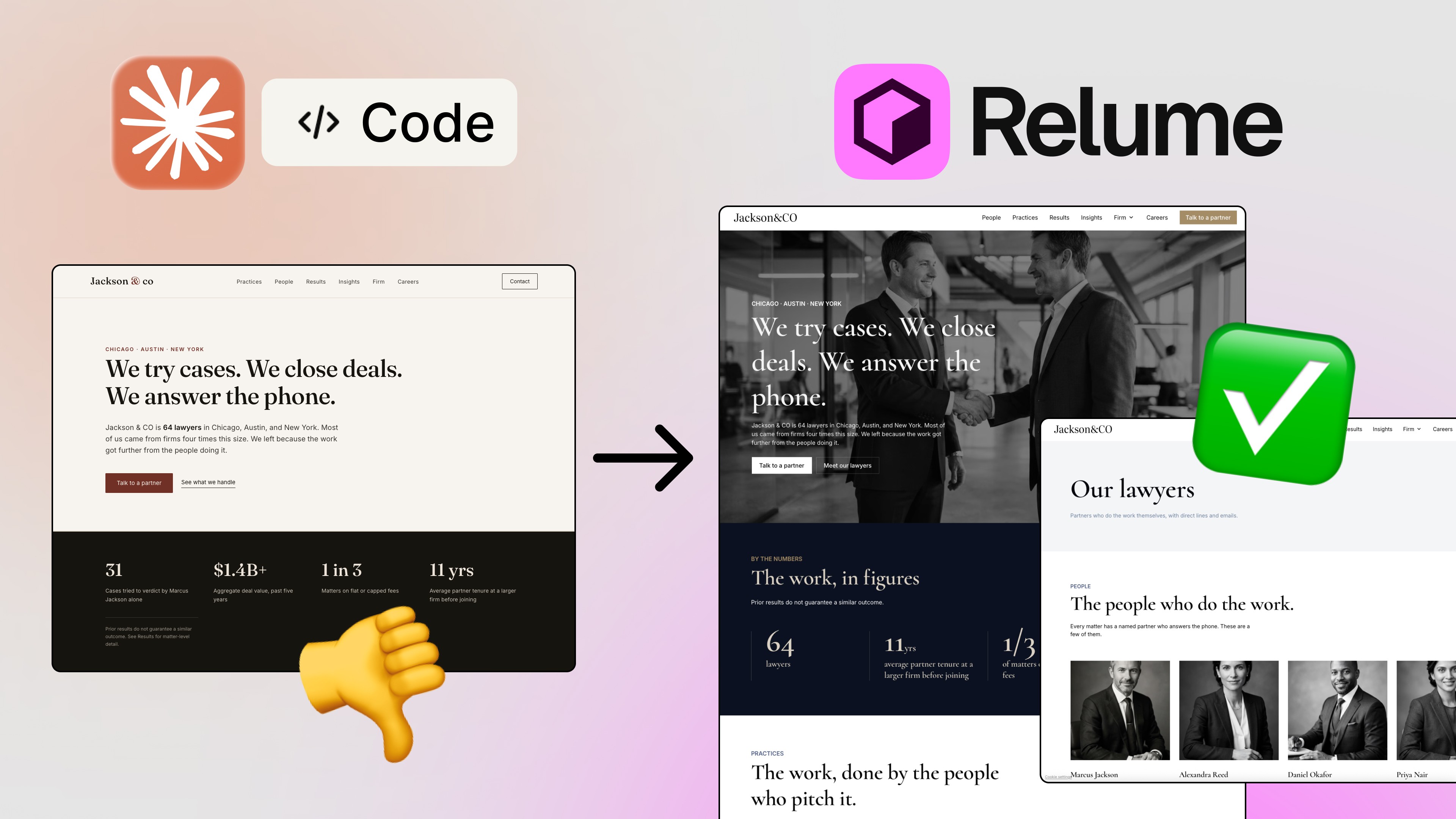
Step 5: Improve Design Using Visual References
One of the biggest breakthroughs comes when you stop asking AI to “design something nice” and instead show it what good looks like.
Rather than letting AI invent layouts, I bring in real visual references — screenshots of well-designed websites. These references guide typography, spacing, layout logic, and overall visual rhythm.
This single change dramatically improves results. AI becomes a translator of design intent rather than a random generator of styles.
From here, improvements happen iteratively. One section at a time. The hero gets refined. Buttons get better. Typography becomes more intentional. Nothing is rushed.
This mirrors how designers actually work.
Step 6: Iterate Like a Designer, Not a Prompt Engineer
An important shift happens once the site exists as a real project.
Not every change requires another AI prompt. Text can be edited directly. Components can be removed or adjusted manually. You’re no longer dependent on AI for every decision — you’re using it where it makes sense.
This balance is important. AI accelerates creation, but control stays with you.
The best results come from small, focused prompts, such as:
“Update only the hero section”
“Match typography to this reference”
“Improve button hover states”
“Clean up spacing and hierarchy”
Step 7: Deploying the Site Like a Real Product
Once everything is ready, the site is pushed to a GitHub repository and deployed using a modern hosting platform or Vercel. In minutes, the landing page is live on the internet with a real URL.
This isn’t a demo or prototype. It’s a production website that can be shared, tested, and iterated on.
Any future updates follow a clean workflow: update locally, push to GitHub, and let deployment happen automatically.
This is how modern products are built — AI or not.
What This Workflow Actually Teaches
The biggest takeaway isn’t that AI can build landing pages. That part is obvious.
The real lesson is that AI amplifies process. If your process is weak, the output will be weak. If your thinking is structured, AI becomes a multiplier.
When you combine research, strategy, structure, design references, and modern tooling, AI stops being a gimmick and starts feeling like leverage.
Final Thoughts
You don’t need to be a full-stack developer or a designer to build a professional, high-converting landing page anymore.
What you do need is:
Strategic thinking
Clear direction
A structured workflow
AI handles the heavy lifting — you stay in control.
👉 If you want to see this entire process step by step, watch the full video tutorial on my YouTube channel and subscribe for more content on AI, design, and modern web workflows.
FAQs
Can AI really build a professional landing page?
Why do AI landing pages often look generic?
What’s the best way to use AI for web design?
Do I need coding experience to build a landing page with AI?
Can I deploy an AI-built landing page live?
See more from me in Google Search
Add sergeichyrkov.com as a preferred source to get my tutorials and articles highlighted in Top Stories and AI Overviews.